
DebtPath IQ™ screenshot tour
The Bills Due tab
Every payment due, in date order — and which ones pay themselves.
Overview
Bills Due lays the next few weeks out in date order so nothing sneaks up on you. It also marks which payments are on autopay and which ones you have to make by hand, because those are the two that get missed.
Screens
-
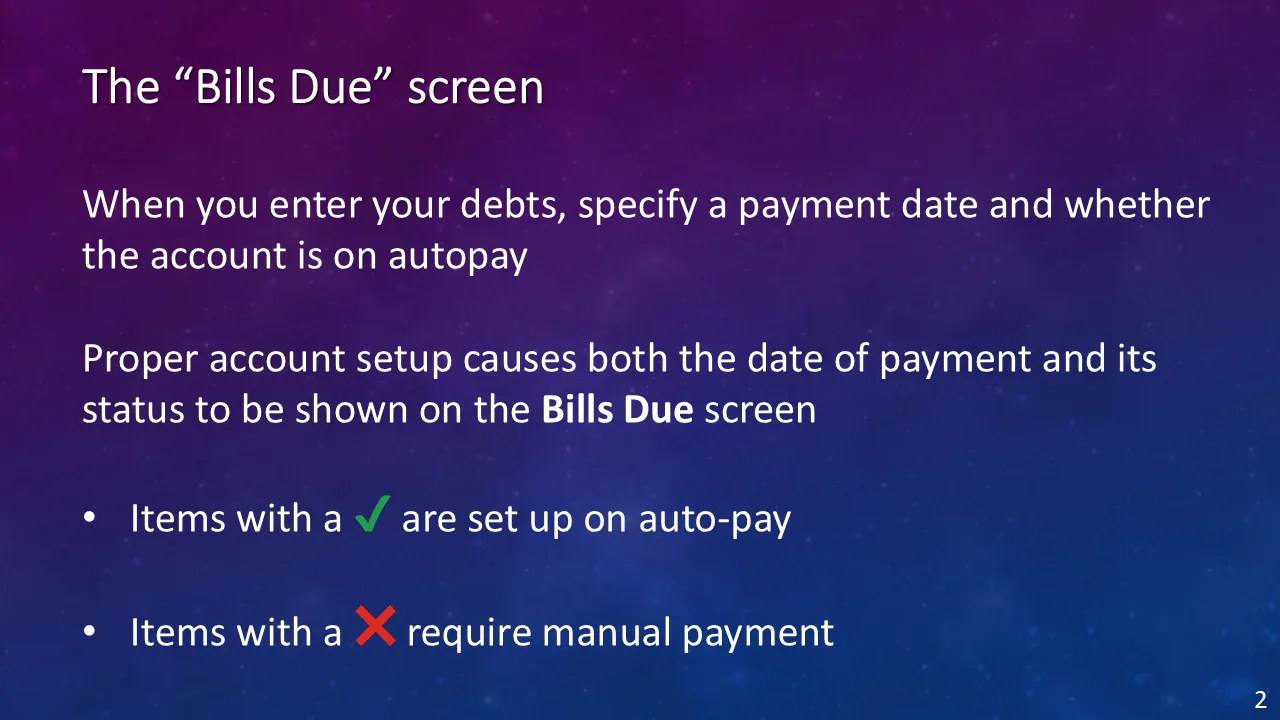
Where the dates come from Bills Due never asks you for anything new. It is assembled from two fields you fill in once when you enter a debt — the payment date and whether the account is on autopay. Fill those in honestly and this screen builds itself. A green check marks a bill that pays itself; a red X marks one you have to make happen.
-
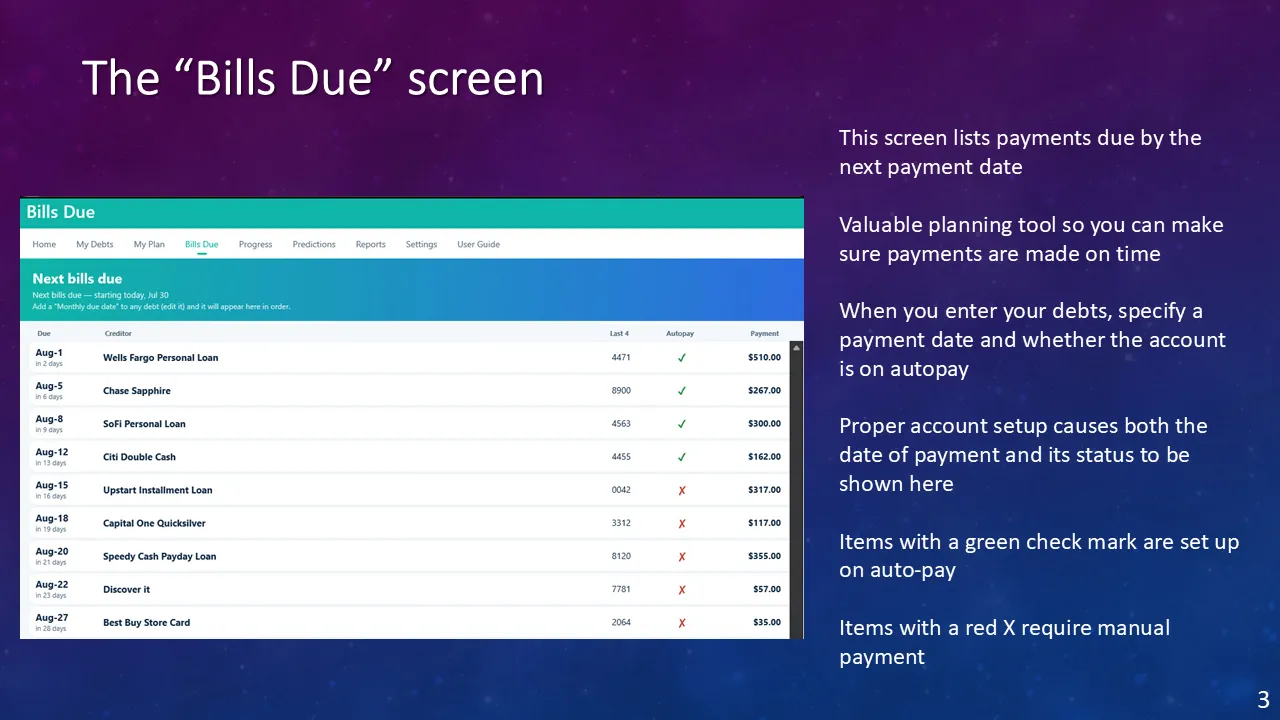
Your month, in order Every payment ahead of you, in the order it falls due, with the days remaining counted for you. The real value sits in the red X rows — those are the ones that get missed, because no bank is going to make them for you. Here four bills draft themselves and five will not: Upstart, Capital One, Speedy Cash, Discover, and Best Buy, adding up to $881 you have to remember out of a $2,120 month. Read the list from the top and you know exactly what the next four weeks ask of you.
Ready to see these screens with your own numbers in them?
$49.99 once — the introductory price through November 30, 2026, then $79.99. On sale now for Windows 10 and 11; the Mac version goes on sale October 1, 2026. Your data never leaves your computer.
Get DebtPath IQ™ — $49.99